How to Jailbreak an iOS Device Running iOS 5
Step 1: Install iOS 5
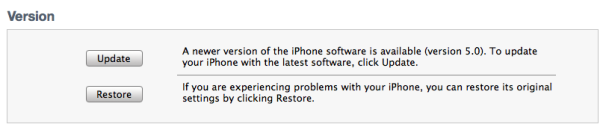
To perform this jailbreak, your device must be running iOS 5. To get iOS 5, plug your device into your computer and open iTunes. Find the device and select Update. Your music, apps, and data may be erased from your device, but you can update to iOS 5 without losing your data if you prepare properly.
Step 2: Download Redsn0w
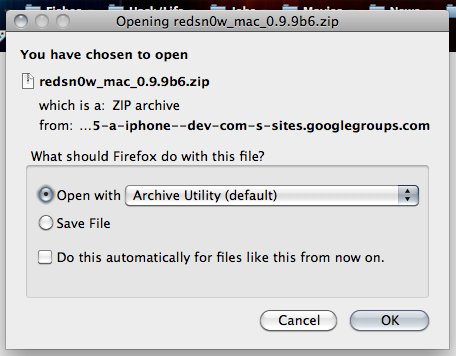
To jailbreak your iOS 5 device, you'll be using the Redsn0w jailbreak tool from the iPhone Dev-Team. Download either Redsn0w 0.9.9b6 for Windows or Redsn0w 0.9.9b6 for Mac.
Step 3: Open Redsn0w, and Jailbreak
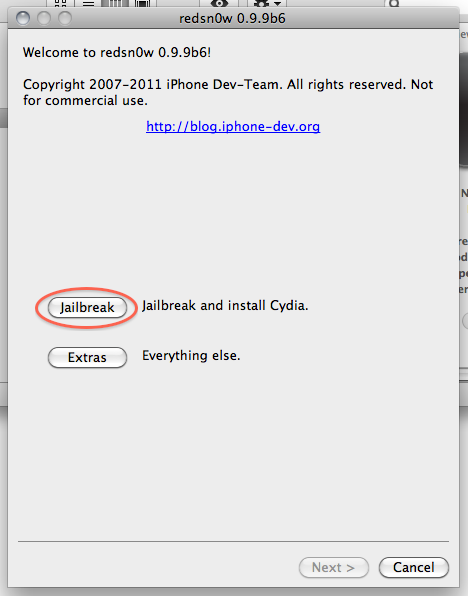
Double-cliick on Redsn0w to open it. A window will show two options: Jailbreak and Extras. ChooseJailbreak.
Make sure your device is plugged in, and turn it off (if it isn't plugged in, plug it in first and then turn it off).
Then, click the Next button. Be ready, as you'll be prompted to hold down a series of buttons quickly in order to enter Device Firmware Update (DFU) mode. Redsn0w will walk you through this, but just so you're prepared, the series is as follows:
1. Hold down the Power (upper-right) button for approximately 5 seconds.
2. Keep holding the Power button and hold down the Home button at the same time for 10 seconds.
3. Release the Power button but keep holding the Home button for about 10 seconds.
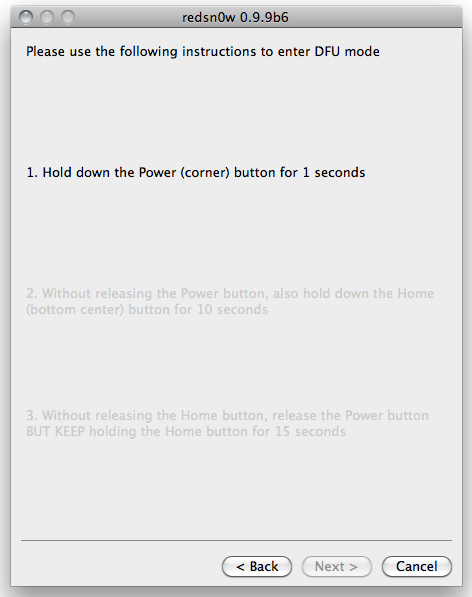
Once you enter DFU mode, Redsn0w will do the rest. Redsn0w will go through a series of screens--don't do anything, just wait.
Step 4: Install Cydia
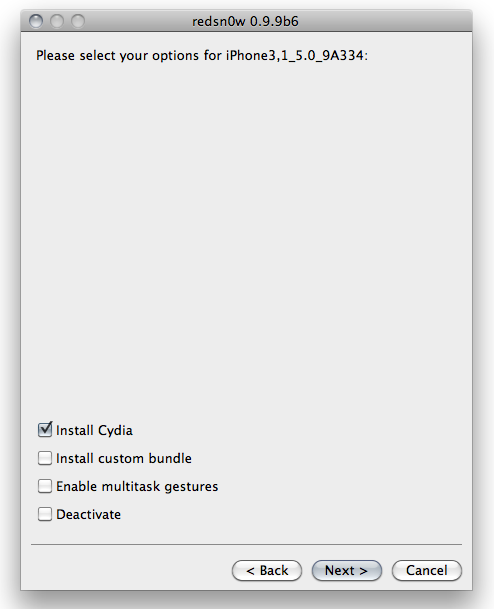
Once your phone is jailbroken (don't unplug it yet!) Redsn0w will ask you to 'select your options'.
Make sure Install Cydia is checked, and click Next. (As mentioned earlier, Cydia is the jailbroken equivalent of the App Store.)
You'll see some stuff flash across your iOS device's screen, and then your device will reboot (tethered) in a jailbroken state.
Step 5: How to Perform a Tethered Reboot
Now that your iOS device is jailbroken, you can reboot it only while it's tethered to your computer. (If you reboot untethered, Cydia and Safari may crash.)
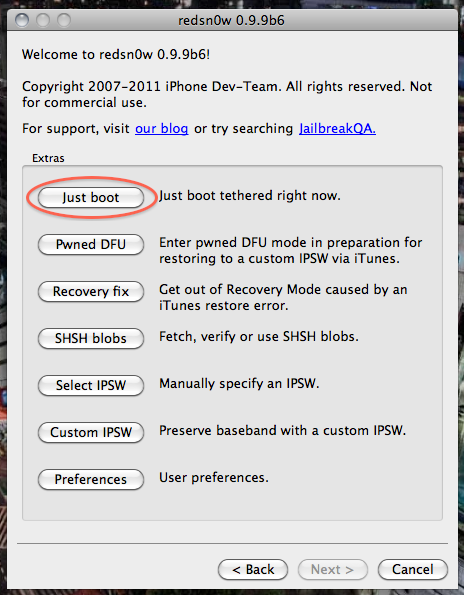
To accomplish this, connect your device to your computer and open Redsn0w. Click Extras and then Just boot. The program will prompt you to enter DFU mode, and then your device will reboot.